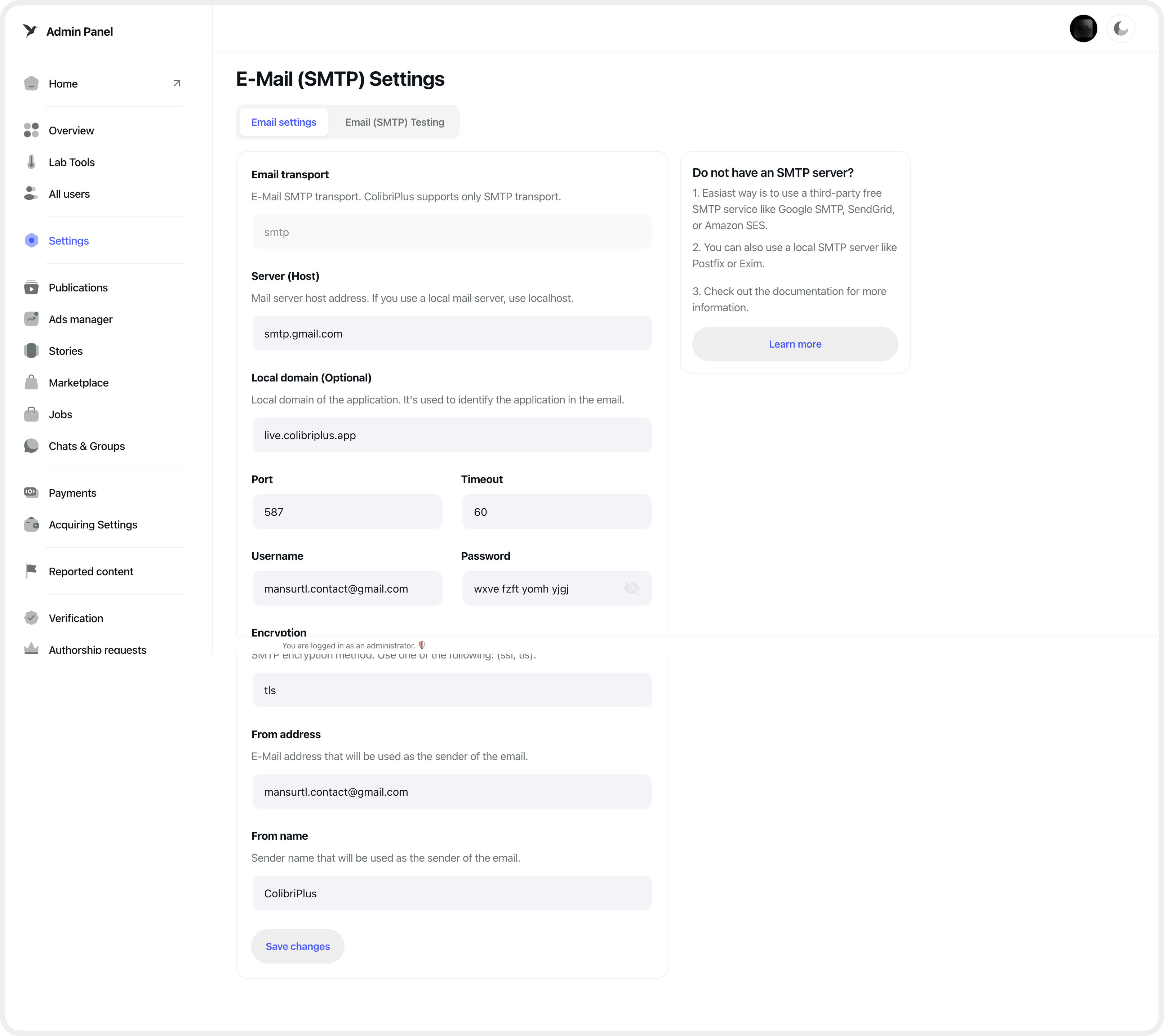
SMTP Configuration
ColibriPlus uses Laravel's mail system to send emails for notifications, password reset, etc. You need to configure SMTP settings to enable email functionality for your application.
SMTP Configuration
To enable ColibriPlus to send emails, you need to obtain SMTP server details and configure them within your application.
Log in to your admin panel, navigate to the Settings section, and open the SMTP Settings page. Enter your SMTP credentials in the provided form fields and click the "Save" button to apply the changes.
To verify your configuration, switch to the "Test SMTP" tab, where you can send a test email to ensure everything is set up correctly.
Do not have SMTP?
If you do not have access to your own SMTP server, we recommend using Google SMTP. It is free and suitable for most use cases.