FFmpeg
Social media platforms' main purpose is to share content like videos, images, audio, and more. When users upload video or audio content, it's necessary to optimize it for the best quality and loading speed.
ColibriPlus uses FFmpeg to optimize and convert videos, audio, user stories, and more.
FFmpeg is free and open-source software for video and audio processing. It is a command-line tool that can be used to convert, resize, and compress videos and audio files.
Installation
Static Build Installation (Recommended)
The static build is the recommended approach for production environments as it includes all dependencies and ensures consistent behavior across different systems.
Linux Installation
Navigate to the project root and run the installation script:
cd services/ffmpeg

# Make the script executable
chmod +x ffmpeg-install.sh

# Run the script
sudo ./ffmpeg-install.sh
This will install FFmpeg static build in the services/ffmpeg/bin directory with the following structure:
services/ffmpeg/bin/
├── ffmpeg
├── ffprobe
└── (other binaries if included)
Configuration
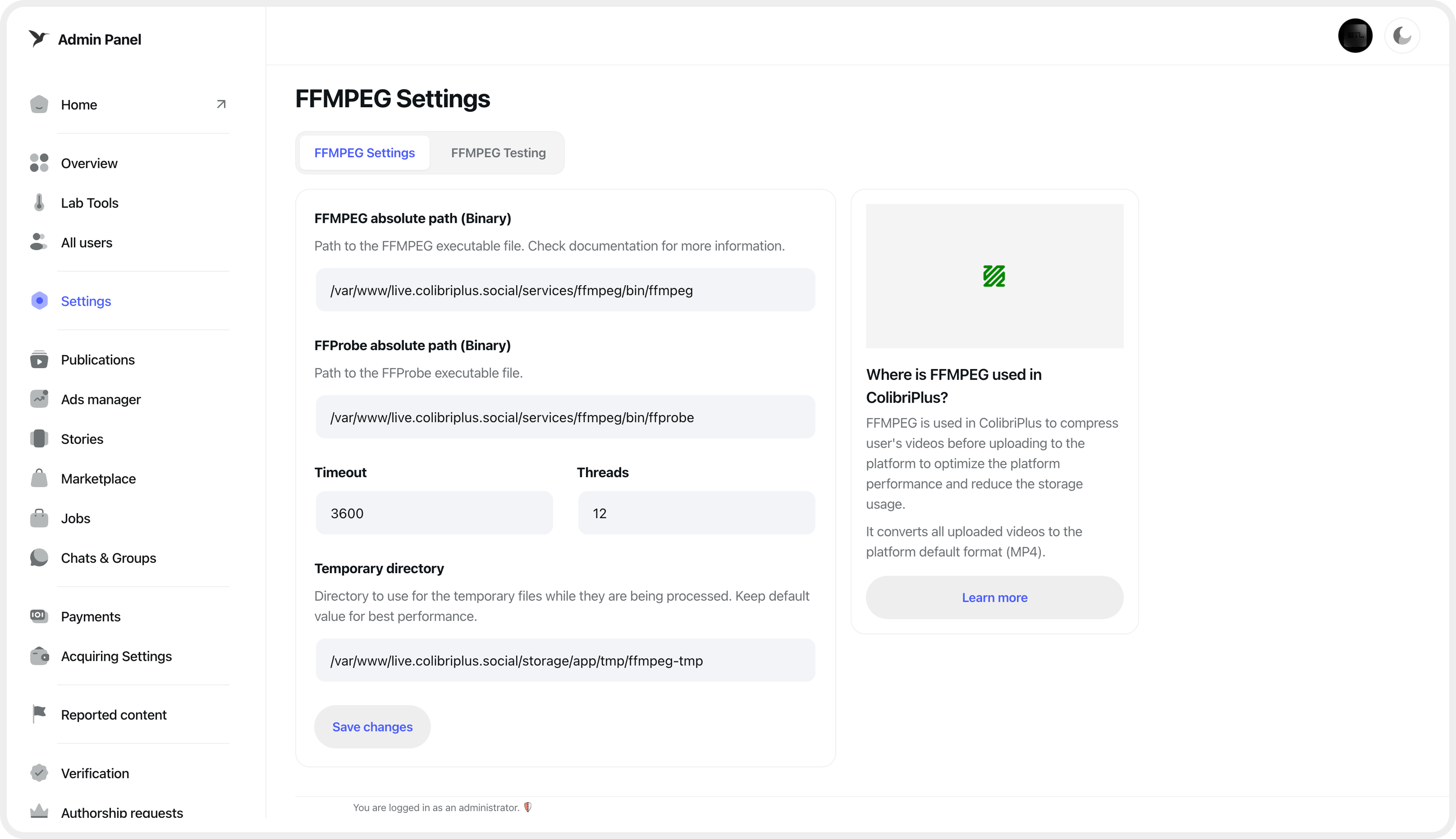
After installation, go to the admin panel, open the Settings menu, and navigate to the FFmpeg settings page. Enter the absolute paths for the ffmpeg and ffprobe binaries in the provided form fields.
💡 Path Configuration: Replace
/absolute/path/to/colibripluswith your actual project path. You can get the absolute path by runningpwdin your project root directory.
Set Permissions
Ensure the binaries have execute permissions:
chmod +x services/ffmpeg/bin/ffmpeg
chmod +x services/ffmpeg/bin/ffprobe
Test FFMPeg
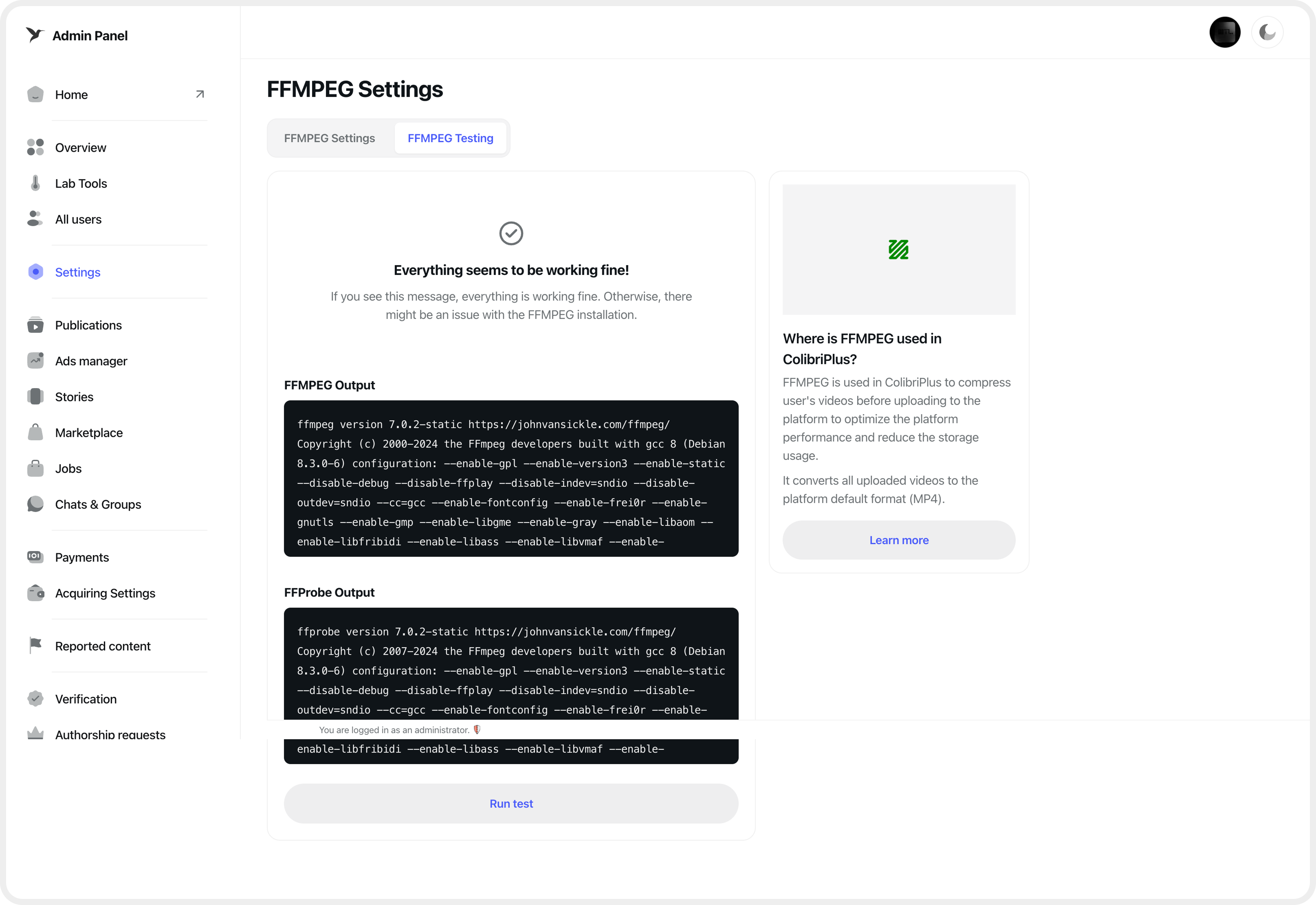
To verify that FFmpeg is installed and configured correctly, and that ColibriPlus can use it for media processing, go to the "Test FFmpeg" tab in your admin panel and click the "Start Testing" button.
The test results will indicate whether your setup is correct or if there are any issues that need to be addressed.